Getting Started
Autotask
Your Company Dashboard
How to log into Autotask
Autotask Overview
Navigating the Client Portal
How to Log a Ticket
Managing Your Tickets
How to enable Client Portal pop-ups in your browser
Ticket Report in Autotask
Statuses of Tickets
Priorities of Tickets
Shop
Content Management
Settings
Members
SEO
Overview of SEO
SEO for Images
SEO for Blogs
SEO for Pages
SEO for Shop Categories
SEO for Products
Google My Business Profile
Bulk SEO Management
New Website Builds
User Acceptance Testing (UAT)
UAT Overview
Placing Test Orders on UAT
Test Cases
Tips for Troubleshooting
UAT Feedback
Content Entry Checklist
Go Live Prep
Projects & Support
Ticket Report in Autotask
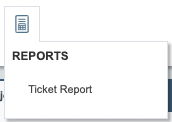
If you would like to generate a ticket report and export this, you can use the "Ticket Report" feature in Autotask.
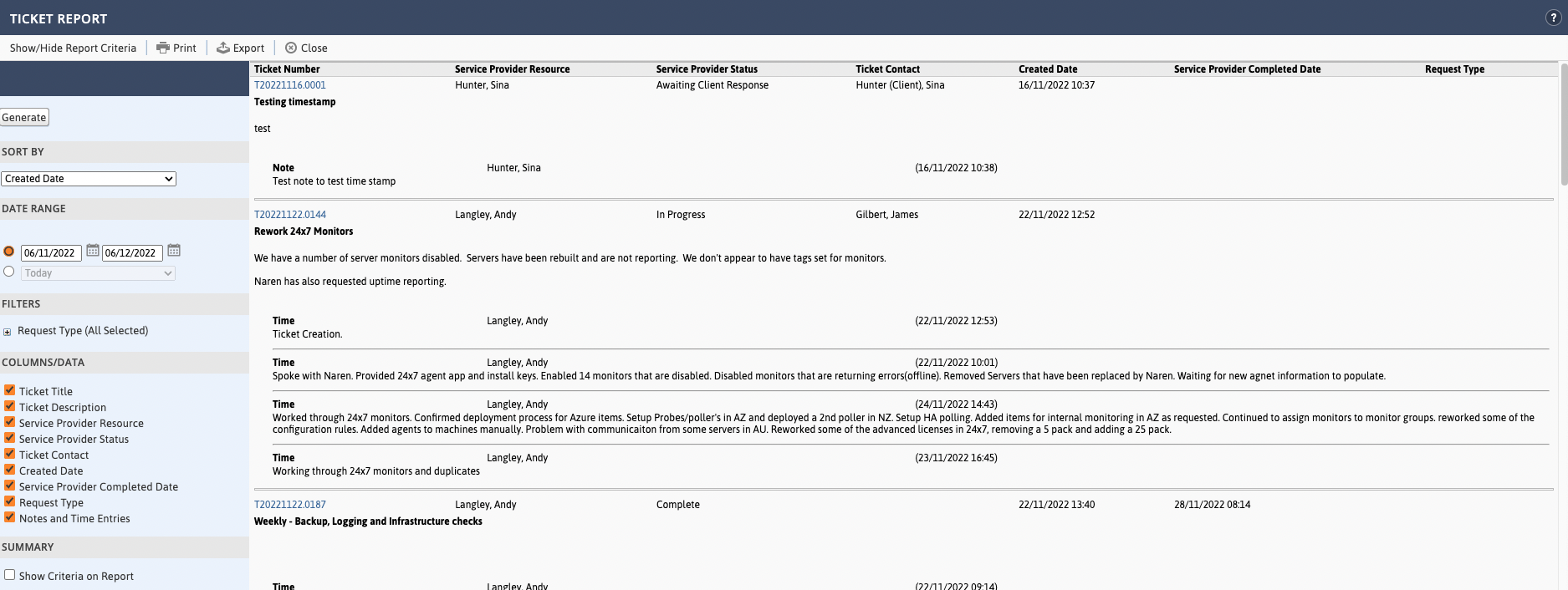
You can choose from a list of standard "Sort by" options, set a date range, add a request type filter and tick which columns you'd like to include in your report. When you have made all your selections, click "Generate".
This will give you the results screen and from there you may print or export using the buttons at the top of the page.