Announcing a New Website Launch
Overview:
Launching a new eCommerce website is more than just going live; it’s about building awareness, excitement, and trust while ensuring customers feel confident and supported in the new shopping experience.
Here’s how:
- Highlight Benefits: Emphasize new features (easy checkout, mobile-friendly) that make shopping more convenient.
- Create Incentives: Offer discounts or exclusive deals for first-time online shoppers.
- Establish Credibility: Share testimonials or early reviews to build confidence in the new platform.
- Provide Support: Ensure a smooth experience with FAQs, Q&A, and dedicated customer support.
This approach not only drives initial engagement but also builds a strong foundation for customer loyalty and long-term success.
TIP: A soft launch is a great way to introduce your new website to the world in a low-key way, giving your team the opportunity to familiarize themselves with the platform and ensure everything runs smoothly. This approach allows you to gather early insights and fine-tune the experience, setting the stage for a successful hard launch when you're ready to promote the site widely and attract more customers.
See the below to start crafting your messaging:
- Example of Announcements
- Ideas of How to Announce a Launch
- Tips for Crafting your Announcement Message
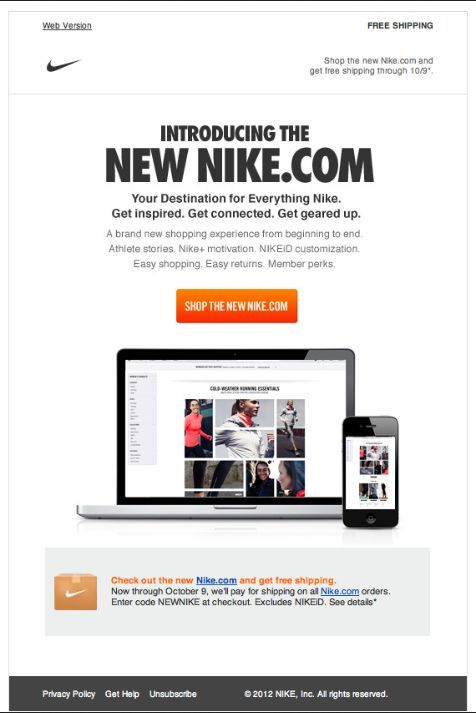
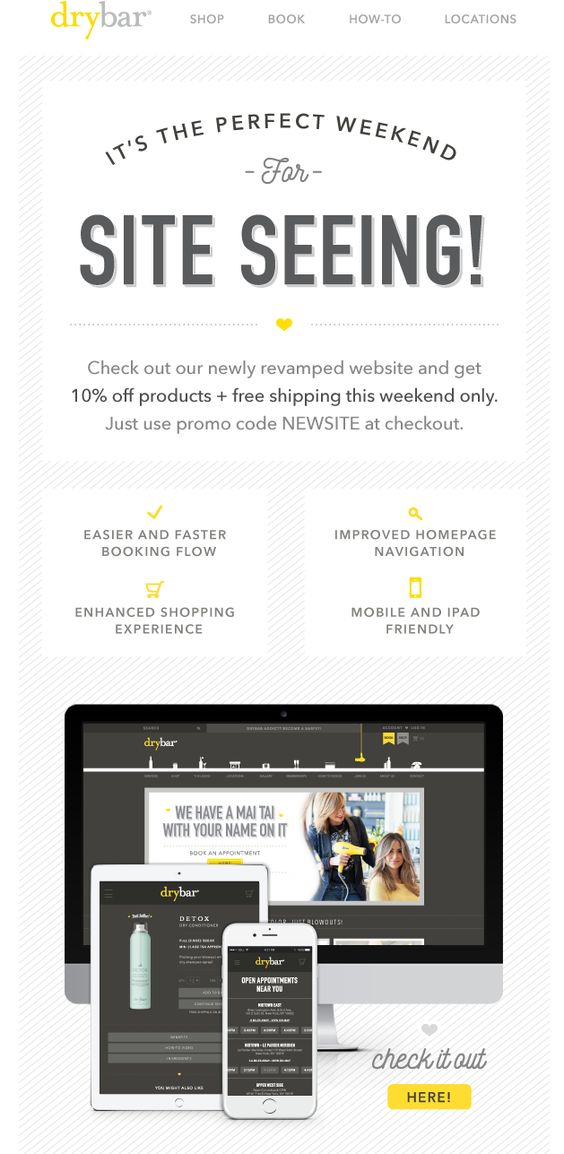
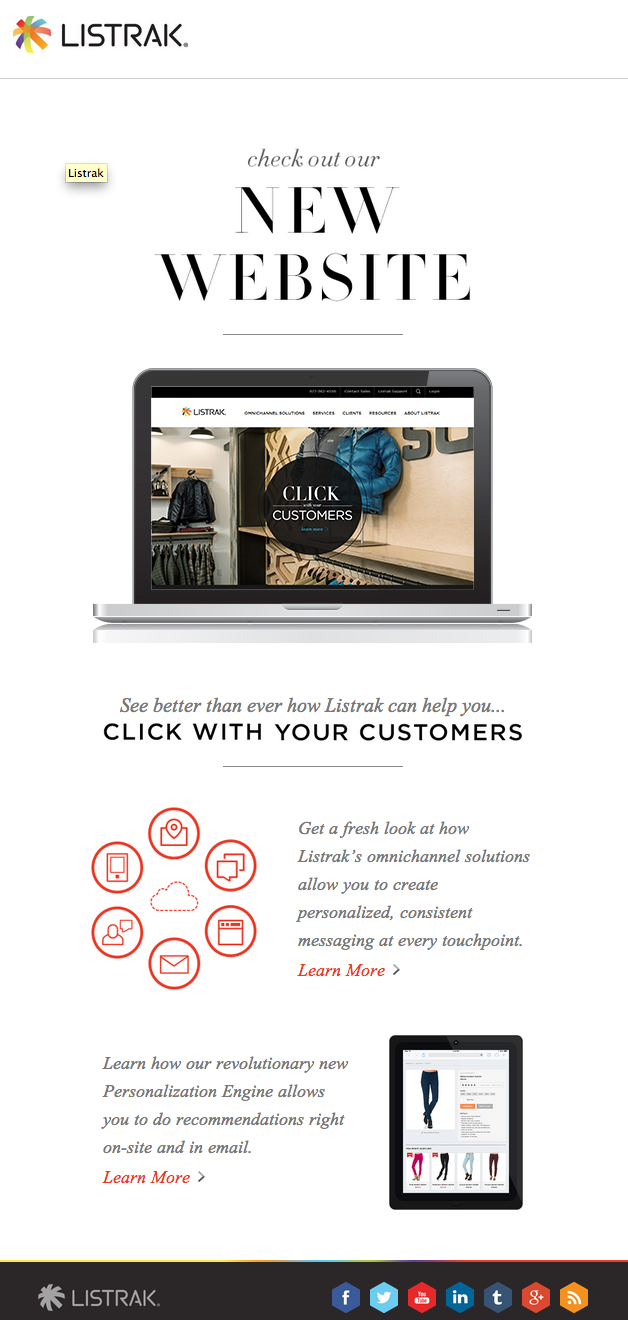
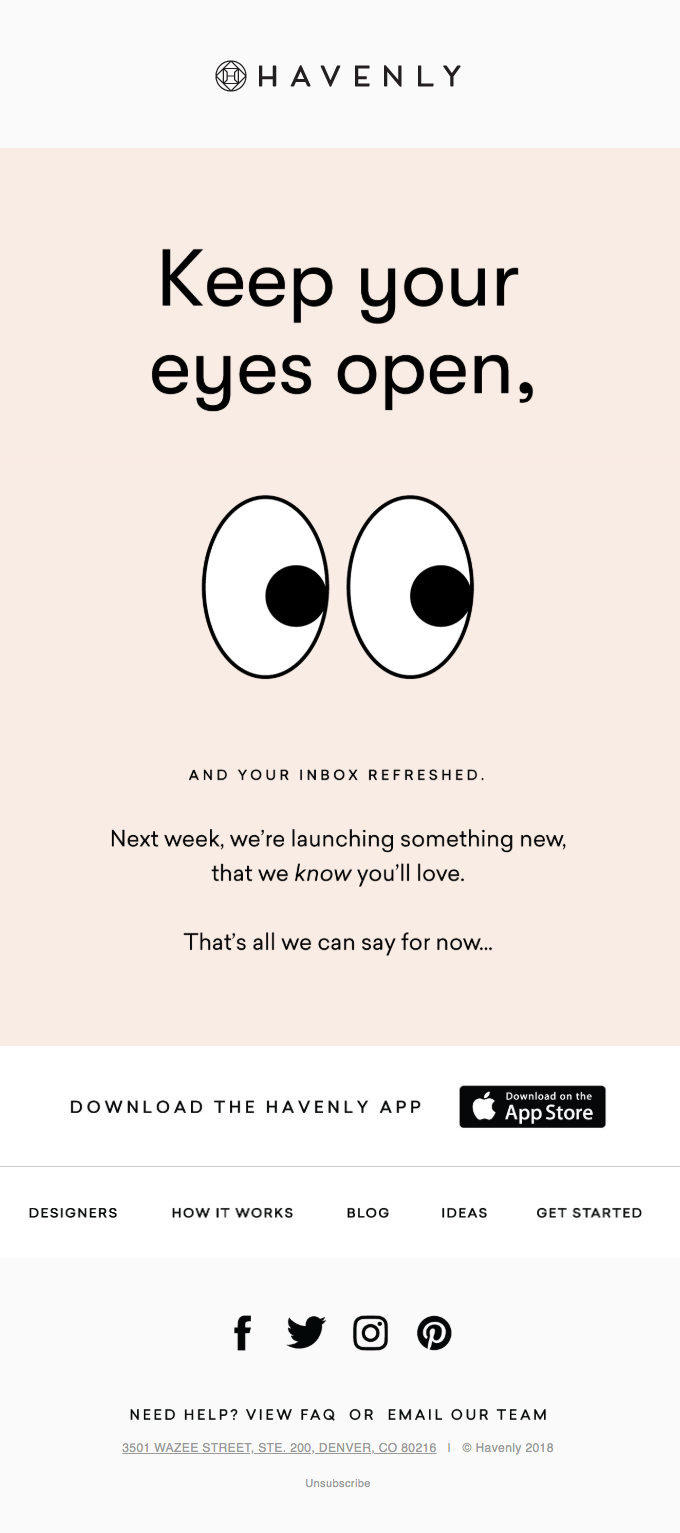
Examples of Announcements
 |  |
 |  |
 |  |
 |  |
 |  |
Ideas of How to Announce Launch:
Here are some effective ways to communicate a new ecommerce website launch across different channels:
Email Campaign
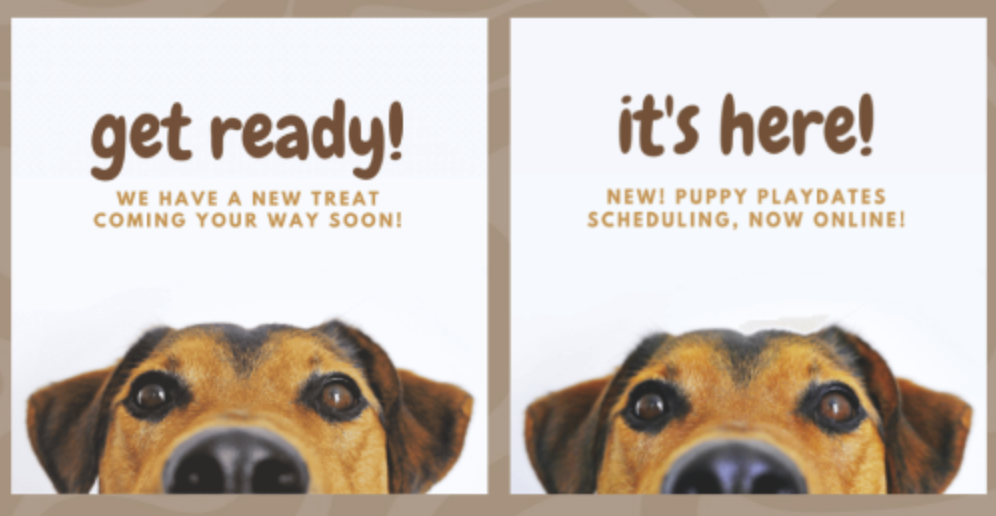
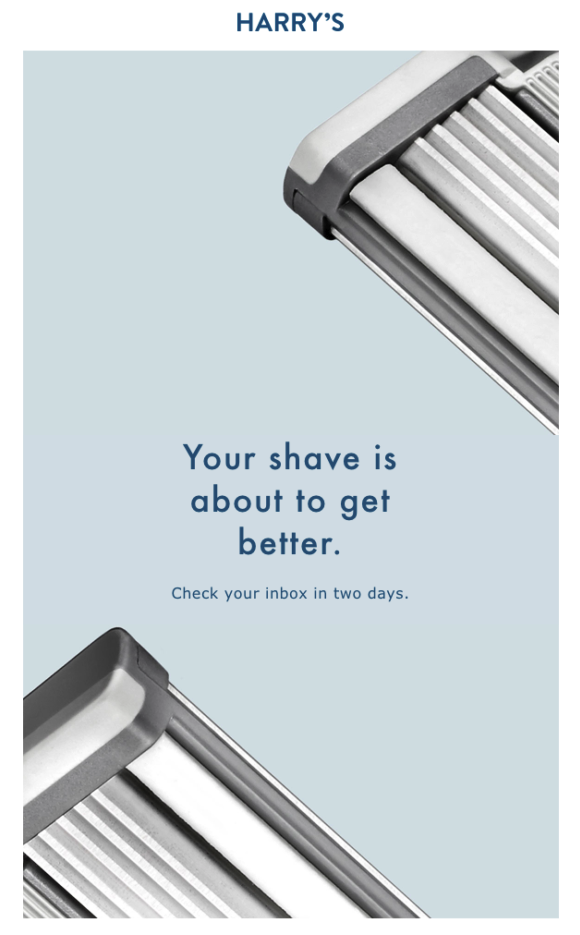
- Teaser Email: “Something Exciting is Coming! Get Ready to Shop Online Soon!”
- Launch Email: “Our New Online Store is Here!”
- Follow-Up Email: “Have You Explored Our New Online Store?"
Each email should link directly to the website and provide clear calls to action, like “Shop Now” or “Explore Our New Features.”Social Media Posts
- Pre-Launch Teaser: Share countdown posts, sneak peeks, or behind-the-scenes stories.
- Launch Day Post: “Our New Online Store is LIVE! Tap to explore and shop now.”
- Customer Reviews: After launch, share customer testimonials or tagged photos from early shoppers to build excitement and credibility.In-Person or In-Store Announcements (if applicable)
- Store Signage or Flyers: Place eye-catching signs or flyers near the checkout counter and around the store with QR codes or the website link, encouraging customers to “Shop Online Anytime!”
- Staff Conversations: Train staff to mention the new website at checkout or while assisting customers: “Did you know you can now shop online with us?”Website Banner / Content Messaging
Add a banner or content messaging announcing the new online store.Direct Mail
Send a launch postcard to local customers, including the website URL, and a QR code for quick access.Live Q&A or Demo Video
- Video Walkthrough: Share a quick tutorial on social media or embed it in your website showing how to navigate the store, create an account, and make a purchase.
- Q&A Session: Host a live session on Facebook, Instagram, or LinkedIn, inviting customers to ask questions and see the website features in action.
These varied approaches help reach a wider audience, reinforce the message, and give customers multiple ways to learn about and explore the new online store.
Tips for Crafting your Announcement Message
Create a Compelling Message
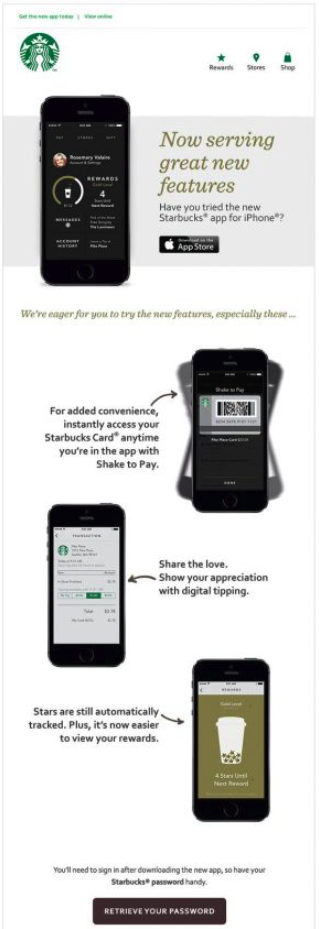
- Highlight the Benefits: Focus on what’s in it for them—convenience, product variety, ease of purchase, and accessibility.
- Emphasize Key Features: Mention unique features like seamless checkout, quick reordering for previous customers, and mobile-friendly design.Use Targeted Channels
- Email Campaign: Send a series of emails, starting with a teaser, followed by the official launch announcement, and ending with a reminder or special offer.
- Social Media Posts: Share on all active social channels with visuals that highlight products, benefits, and how to access the new website.
- In-Store Signage (if applicable): For physical stores, display flyers or posters that inform in-store customers about the new online shopping option.Leverage Testimonials and Social Proof
- Showcase Customer Testimonials: Add quotes from beta testers or loyal customers who previewed the new site and loved it.
- Encourage Reviews and Shares: Prompt first customers to leave reviews or share their purchases on social media, boosting visibility.Engage with a Q&A or Tutorial
- Host a Live Q&A Session: Use platforms like Instagram or Facebook Live to showcase the site, walk through the shopping process, and answer questions.
- Video Tutorial or Walkthrough: Create a short video that highlights how to navigate the new site and complete a purchase, especially if your audience is less tech-savvy.Highlight Customer Support and Assistance
- Dedicated Support Team: Mention that your team is ready to help with any questions or troubleshooting as customers try out the new site.
- FAQs: Provide a detailed FAQ section on the site covering order tracking, returns, and account setup.